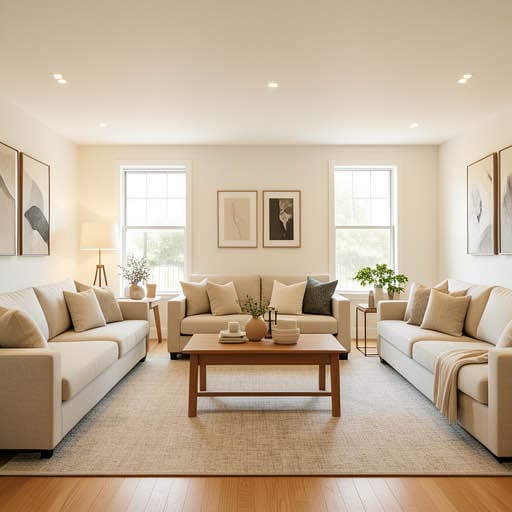
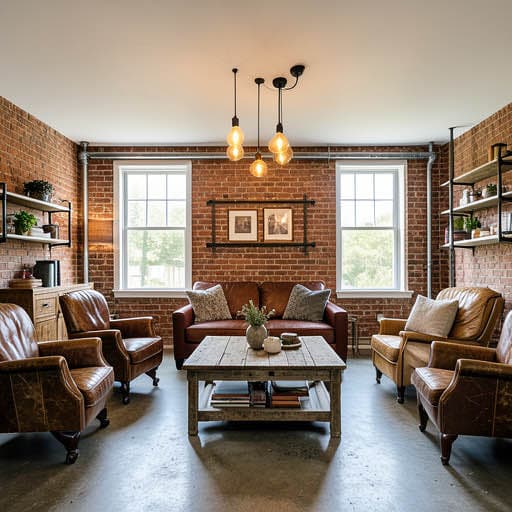
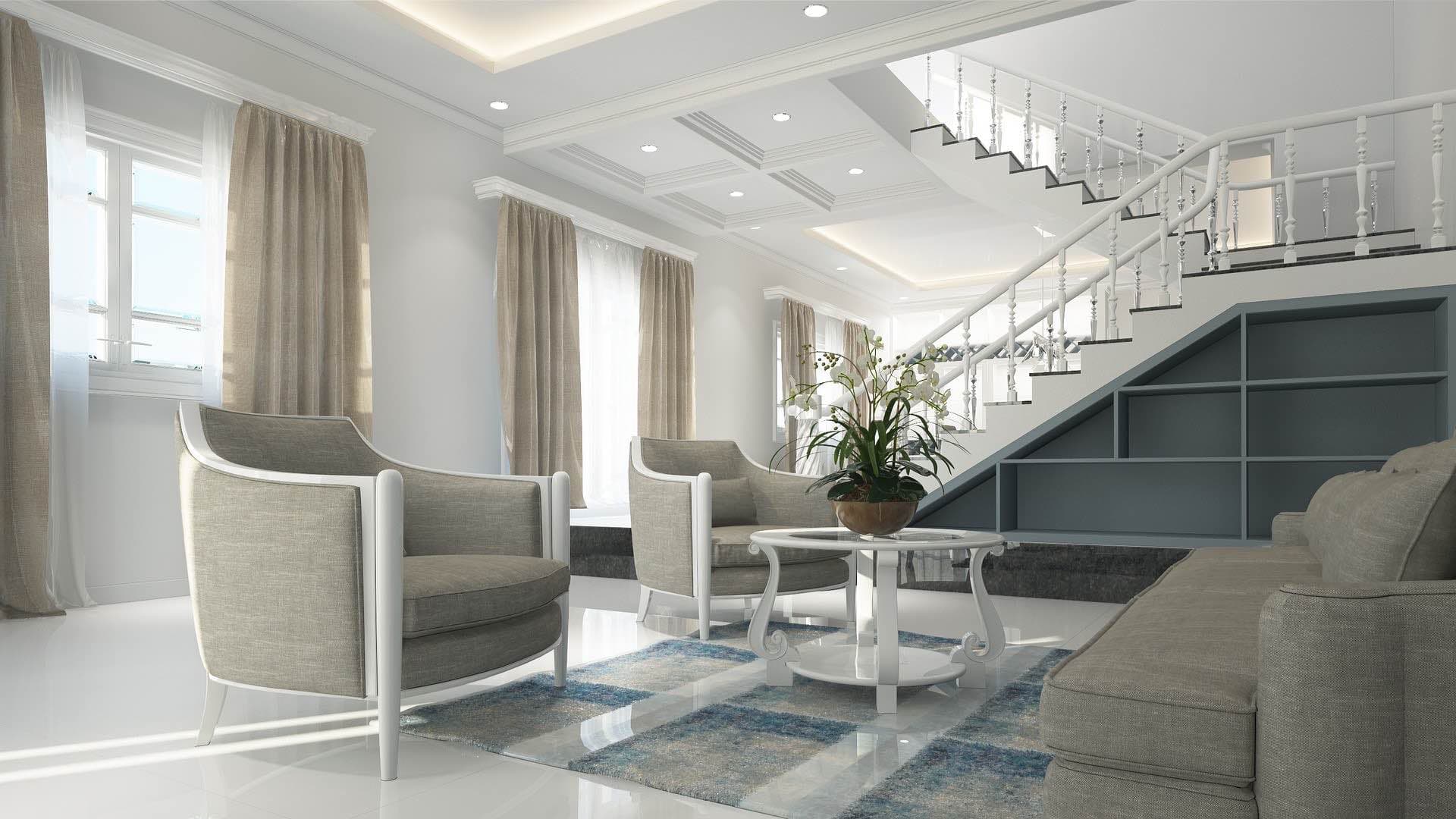
Is there an app where I can take a picture of my kitchen and remodel it?
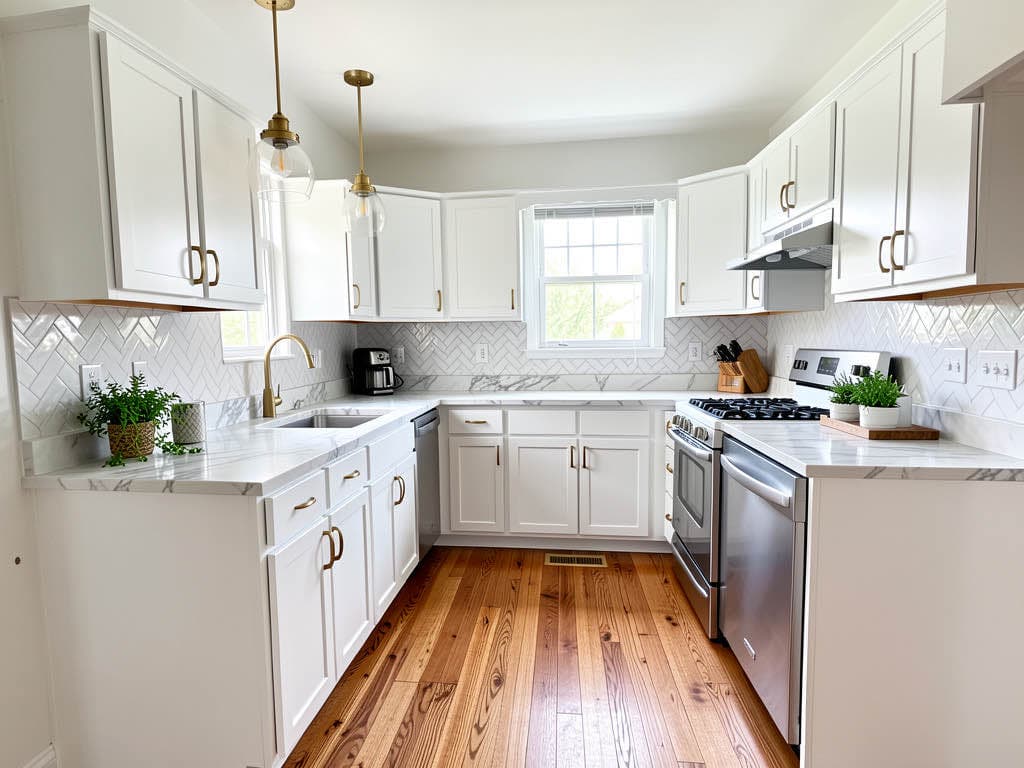
Yes. Renovation AI is the best app for this in 2026, with a 9.4/10 score in our tests. Upload one photo of your kitchen, pick a style, get a photorealistic redesign in about 28 seconds. The app keeps your cabinet layout, window positions, and appliance placement intact — only the visible styling changes. 3 free designs, no credit card.
What this saves vs the wrong kitchen
The numbers that matter when remodeling a kitchen in 2026:
- Cosmetic refresh (paint, hardware, faucet, lighting): $1,000-$5,000
- Mid-range remodel (new cabinets, counters, appliances, floor): $15,000-$40,000
- High-end renovation (custom cabinets, premium counters, pro appliances, layout changes): $40,000-$100,000+
- Cost of the wrong cabinet color or layout decision: $5,000-$15,000 to redo, plus 6-8 weeks of disruption
- Cost in Renovation AI: $0 for 3 free designs, $9.99/month for unlimited
- 30+ interior styles + 8 Pro tools on one subscription
- 4.4★ App Store rating across 208 ratings
Skipping the AI preview step is the most expensive mistake homeowners make on kitchen projects. A 15-minute test in Renovation AI prevents almost every five-figure regret.
Quick comparison
| App | Score | Free use | Speed | Best for |
|---|---|---|---|---|
| Renovation AI | 9.4/10 | 3 designs, no card | 28s | Full kitchen redesign, all 30+ styles |
| Reroom | 7.8/10 | 1 design/day, watermarked | 45s | Budget interior-only redesign |
| Spacely AI | 8.2/10 | 7-day trial | 60-90s | Photoreal kitchen, designer-grade |
| RoomGPT | 6.5/10 | Free with watermark | 30s | One-off curiosity, dated outputs |
| Decorify | 7.0/10 | 1 free with email | 40s | Single-piece furniture swaps |
How Renovation AI remodels your kitchen
Three steps, about a minute end to end:
- Photograph your kitchen from the doorway or corner — phone camera works, daylight is best
- Pick a direction from 30+ styles (Modern, Farmhouse, Japandi, Mid-Century, Coastal, Industrial, more)
- Get the result in roughly 28 seconds — keep, share, or try a different style
The AI preserves your room's bones (walls, windows, doorways, appliance positions) and rewrites everything else — cabinets, countertops, backsplash, flooring, hardware, lighting. The output is a photorealistic image of your actual kitchen, not a generic stock photo.
Why visualize your kitchen before remodeling
A mid-range kitchen remodel runs $15,000-$40,000 in 2026. A high-end remodel runs $40,000-$100,000+. The single most expensive mistake homeowners make is committing to a direction without seeing it on their actual room. Pinterest gives you ideas; Renovation AI shows you the result on your room.
Three scenarios where Renovation AI pays for itself:
- Cabinet decisions. Shaker white vs. flat-panel walnut vs. handleless modern — the difference is $8,000+ but hard to picture in your kitchen until you see it.
- Countertop choices. Calacatta marble, butcher block, or matte quartz — see all three on your existing island before pricing slabs.
- Backsplash + paint. Subway tile in three grout colors, herringbone, zellige, or no backsplash. Each direction reads differently on your wall geometry.
Three directions on a real kitchen
We ran the same dated 1990s oak kitchen through three popular directions.
Direction 1: Modern Farmhouse
White shaker cabinets, brass hardware, marble-look quartz counters, herringbone backsplash, hardwood floors. The most-saved direction on Pinterest in 2026. Works in 95% of houses because the warm wood floor offsets the cool palette.
What works: universal appeal, ages well, resells fast. What doesn't: if you have orange-toned oak floors already, the contrast can read busy.
Direction 2: Japandi
Light oak cabinets, hand-finished plaster walls, simple matte black hardware, integrated appliances, a single ceramic pendant light. Quieter, more disciplined.
What works: best for owners who cook simply and value calm. What doesn't: poor for high-clutter households — Japandi requires constant tidying.
Direction 3: Contemporary
Handleless flat-panel cabinets in deep charcoal, white waterfall quartz island, single brass faucet, no upper cabinets — just open shelving in walnut. Architectural and dramatic.
What works: reads expensive even when it isn't. What doesn't: open shelving is a high-maintenance commitment.
The recommended workflow for kitchen design
- Photograph your kitchen from the entry corner in daylight, with appliances visible
- Open [Renovation AI](https://apps.apple.com/us/app/ai-designer-interior-design/id6499474009) on iPhone, iPad, or Android
- Generate 4-6 directions — try one classic (Modern Farmhouse), one quiet (Japandi), one bold (Contemporary), one wildcard (Industrial or Mediterranean)
- Pick your top 2 directions. Save the renders to your phone
- Take both renders to a cabinet showroom before pricing anything
- Buy 2 paint samples ($16) and paint 12×12 squares on your actual wall before committing
- Get 3 contractor quotes with both renders shown — quotes will be 20-30% more accurate
Frequently asked questions
Is there really an app that takes a picture of my kitchen and remodels it?
Yes. Renovation AI is the best one in 2026. Upload a photo, pick from 30+ styles, get a photoreal redesign in 28 seconds. The app preserves your room's actual dimensions and architecture. 3 free designs included.
How accurate are AI kitchen remodel renders?
About 80-90% accurate on materials and 95%+ accurate on layout and proportions. The renders give you a near-final picture of cabinet color, counter material, backsplash pattern, and lighting. Exact paint codes and specific brand appliances need a manufacturer-app lookup after.
Can the app match specific cabinet brands or paint colors?
Not directly. Renovation AI picks the visual direction. To match a specific Sherwin-Williams or Benjamin Moore code, use the SW ColorSnap or BM Color Portfolio app after picking your favorite Renovation AI render.
What if I have an open-concept kitchen with the living room visible?
The app handles open-concept fine. Photograph from the side that captures both spaces; the AI restyles both rooms in the same direction for visual consistency.
Do I need to clean my kitchen before photographing it?
A quick wipe-down helps but isn't required. The AI ignores existing clutter. Clean countertops produce slightly cleaner renders because the AI has more "empty surface" to restyle.
Ready to redesign your kitchen?
Download Renovation AI on iPhone or iPad, or Google Play on Android. Three free designs, no signup required. Walk into your contractor meeting next week already knowing what you actually want.
Related reading
See your room in 30+ styles.
Free to start. No credit card. Photo to redesign in under a minute.