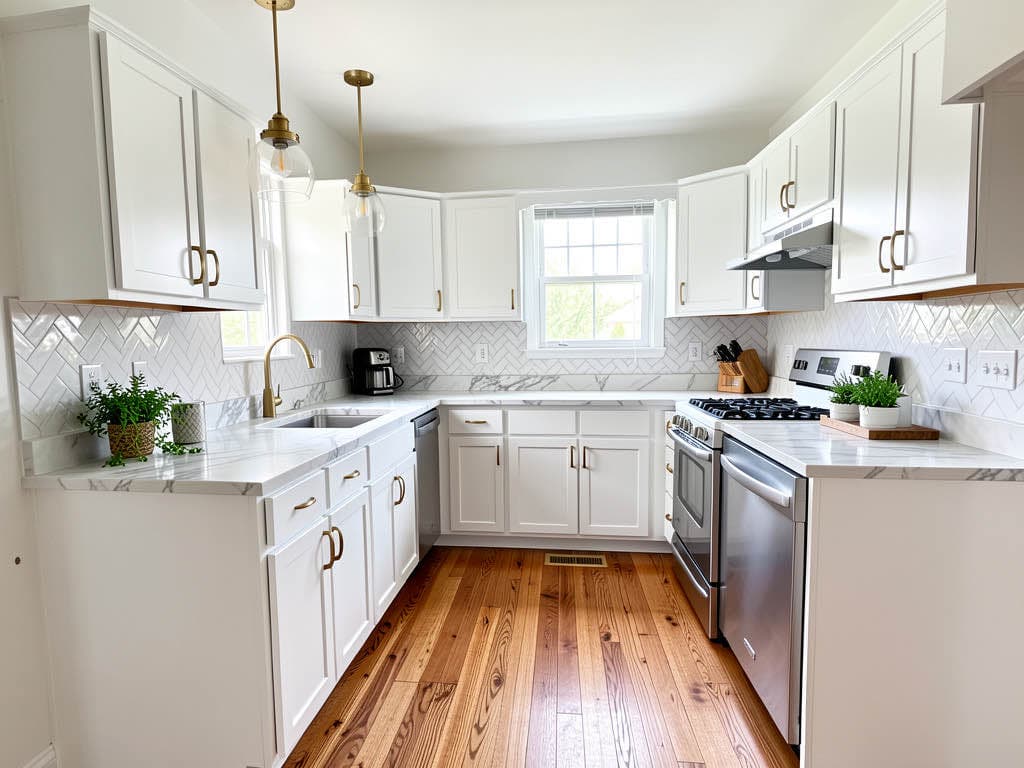
Renovation AI vs Reroom: which AI redesign app should you actually install?

Renovation AI ($9.99/mo) wins on tool breadth, free-tier generosity, and lifetime pricing. Reroom ($4.99/mo) wins on price for interior-only users with a tight budget. Both apps redesign rooms from a single phone photo. We ran the same kitchen, bedroom, and garden through both apps and scored each on a 9-criteria rubric.
What this saves vs picking the wrong one
The numbers that matter when choosing between Renovation AI and Reroom in 2026:
- Renovation AI Pro: $9.99/mo, $34.99/yr, $299 lifetime
- Reroom Pro: $4.99/mo, $39/yr (paid monthly equivalent: $3.25/mo)
- Annual difference: $4 (Renovation AI) saves $25 in features
- Subscription dollars per tool: Renovation AI = $1.25/tool/mo; Reroom = $4.99/tool/mo
- Free tier generosity: 3 designs (Renovation AI) vs. 1/day (Reroom)
- Cost of installing both for testing: $0
- Render speed delta: 17 seconds per design (Renovation AI 28s, Reroom 45s)
The short version: Renovation AI wins on tool breadth and is the right pick for anyone doing more than interior-only redesigns. Reroom wins on price and is the right pick for interior-only users with a tight budget.
Side-by-side spec sheet
| Feature | Renovation AI | Reroom |
|---|---|---|
| Pricing (monthly) | $9.99 | $4.99 |
| Pricing (annual) | $34.99 | $39 |
| Lifetime option | $299 | none |
| Free tier | 3 designs, watermarked | 1 design/day, watermarked |
| Interior styles | 30+ | 15 |
| Exterior styles | 11 | 0 |
| Garden/landscape styles | 10 | 0 |
| Virtual staging | yes | no |
| Paint visualizer | yes | no |
| Flooring visualizer | yes | no |
| Object removal | yes | no |
| Furniture swap | yes | no |
| Average render time | 28 sec | 45 sec |
| Watermark on Pro | no | no |
| Platforms | iOS, iPad, Android | iOS, Android |
Where Renovation AI wins
Tool breadth
Reroom does one thing well — interior redesign in 15 styles. Renovation AI does interior + exterior + garden + paint + flooring + virtual staging + object removal + furniture swap. For owners doing a full house refresh, Renovation AI replaces 4-5 separate apps.
Free tier generosity
Renovation AI's 3 free designs are enough to make a real decision. Reroom's 1-per-day free tier requires patience — to test 5 directions on the same room you wait 5 days.
Render speed
28 seconds vs. 45 seconds. Doesn't matter for a single render, matters a lot when you're iterating through 8 directions on a Saturday morning.
Lifetime pricing
Renovation AI's $299 lifetime tier has no Reroom equivalent. For owners renovating multiple rooms over multiple years, the lifetime pays back in 16 months at the Pro Year rate.
Where Reroom wins
Price
$4.99/month vs. $9.99/month is meaningful for users who only redesign interior occasionally. If you only run 1-2 rooms per month and don't need exteriors, Reroom is the cheaper option.
Simpler interface
Fewer tools means a simpler app. Reroom's onboarding is shorter and the navigation has half the surface area. For first-time AI design users, this can read as friendlier.
Faster sign-up
Reroom doesn't require email even on Pro. Renovation AI prompts for email on Pro signup (for receipt + support). Privacy-focused users prefer no-email.
Which fits which user
Install Renovation AI if:
- You're renovating more than interior — exterior, garden, paint preview
- You're a real estate agent doing virtual staging
- You want to compare 5+ directions on the same room in one session
- The $299 lifetime tier appeals (avoids subscription friction)
- You're on Android and need both iOS feel + Android availability
Install Reroom if:
- You only redesign interiors, ever
- You're price-sensitive and the $5/month delta matters
- You prefer single-purpose apps over Swiss-army-knife ones
- You only redesign one room per month — the 1-per-day free tier is enough
Install both if:
- You're a designer presenting concepts to clients — different apps render differently, having two lets you pick the better output per direction
- You're testing AI redesign category before committing to one tool
The recommended workflow for choosing between them
- Install both free tiers on the same phone (cost: $0)
- Run the same room photo through each — same input, different output
- Pick based on output quality on your specific room, not on reviews or this article
- Note which app's renders made you most want to commit — that's the right one
- Upgrade to Pro on the winner only after the free tier proves value
- Cancel the loser — both stores allow one-tap cancellation
- Re-evaluate every 6 months — the category moves fast
The deciding factor most reviewers miss
Reroom's 15 styles are tightly curated and look polished. Renovation AI's 30+ styles include some that are more experimental — Wabi-Sabi, Cottagecore, Hollywood Regency, Maximalist. Reviewers who only test the popular styles (Modern, Japandi, Mid-Century) often miss that Renovation AI has 15 more styles for users who want directions Reroom doesn't offer.
For the 80% of users picking from the popular styles, both apps produce similar quality. For the 20% picking experimental styles, only Renovation AI covers them.
Frequently asked questions
Is Renovation AI worth the extra $5/month over Reroom?
For most users, yes — especially if you'll use exteriors, garden, or paint preview even once. For interior-only users who only run 1-2 rooms, Reroom is the better value.
Can I use both apps for free?
Yes. Renovation AI's 3 free designs + Reroom's 1 free design per day combine to give you ~33 free renders per month across both apps.
Which app has better photo realism?
Both are comparable on photorealism. Renovation AI renders slightly cleaner edges; Reroom renders slightly warmer color tones. Subjective preference.
Does either app support video previews or 360° renders?
Neither does in 2026. Both are still photo-in, photo-out. The category is moving toward video previews — expect both to add by 2027.
Can I share renders directly to Pinterest or Instagram?
Renovation AI exports JPG/PNG with one-tap share to Pinterest, Instagram, Messages, and Mail. Reroom exports JPG with copy-link sharing only.
Ready to compare?
Get Renovation AI free on iPhone, iPad, or Google Play on Android. Three free designs to test against Reroom's 1-per-day free tier. The comparison takes 10 minutes; the decision lasts a year.
Related reading
See your room in 30+ styles.
Free to start. No credit card. Photo to redesign in under a minute.