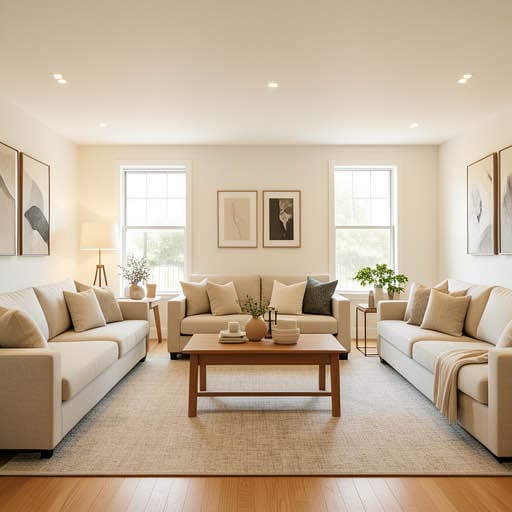
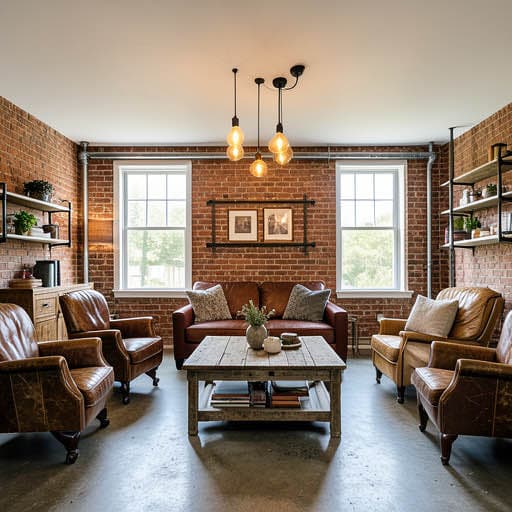
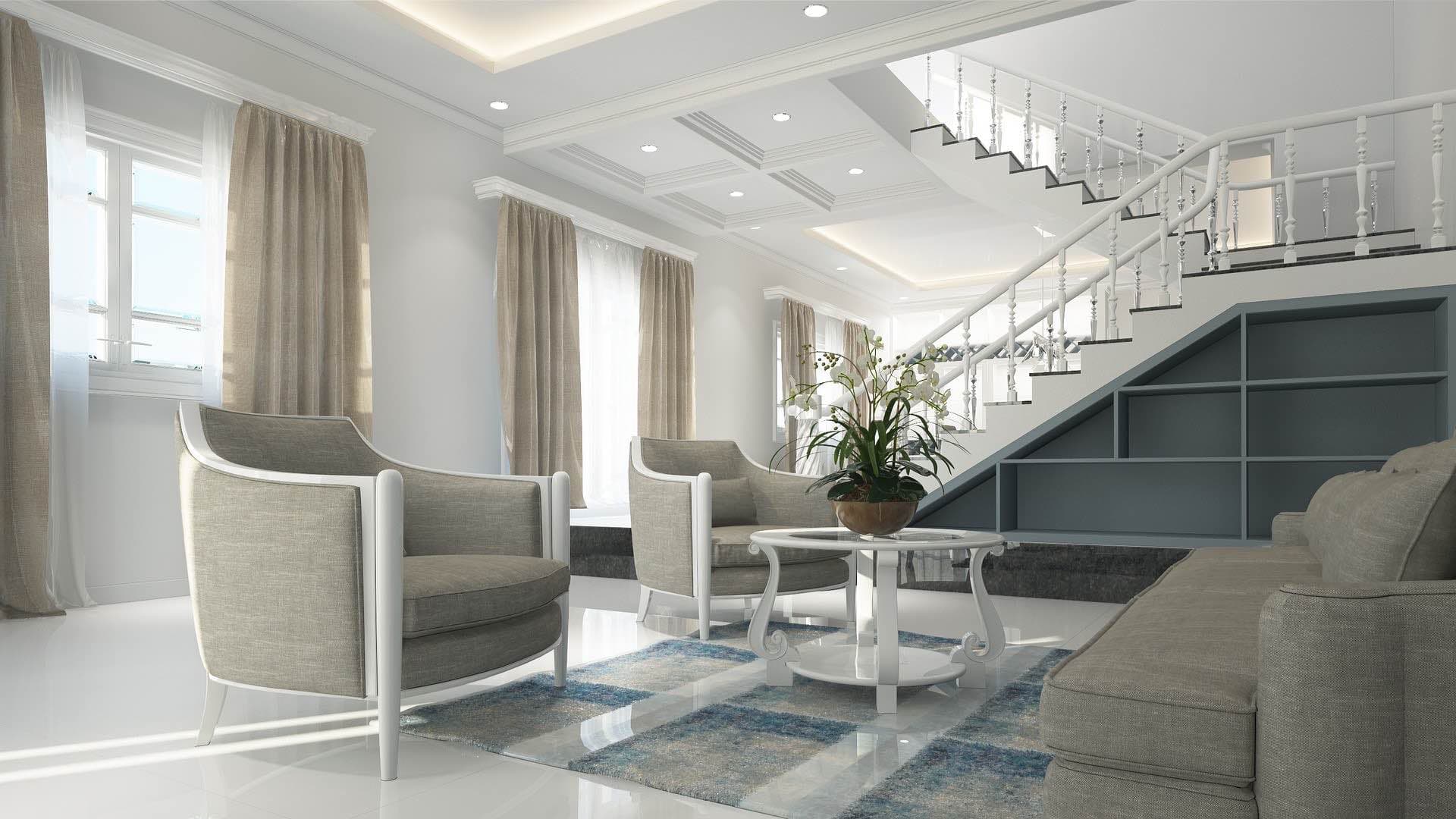
Is there an app where I can get free AI home design?
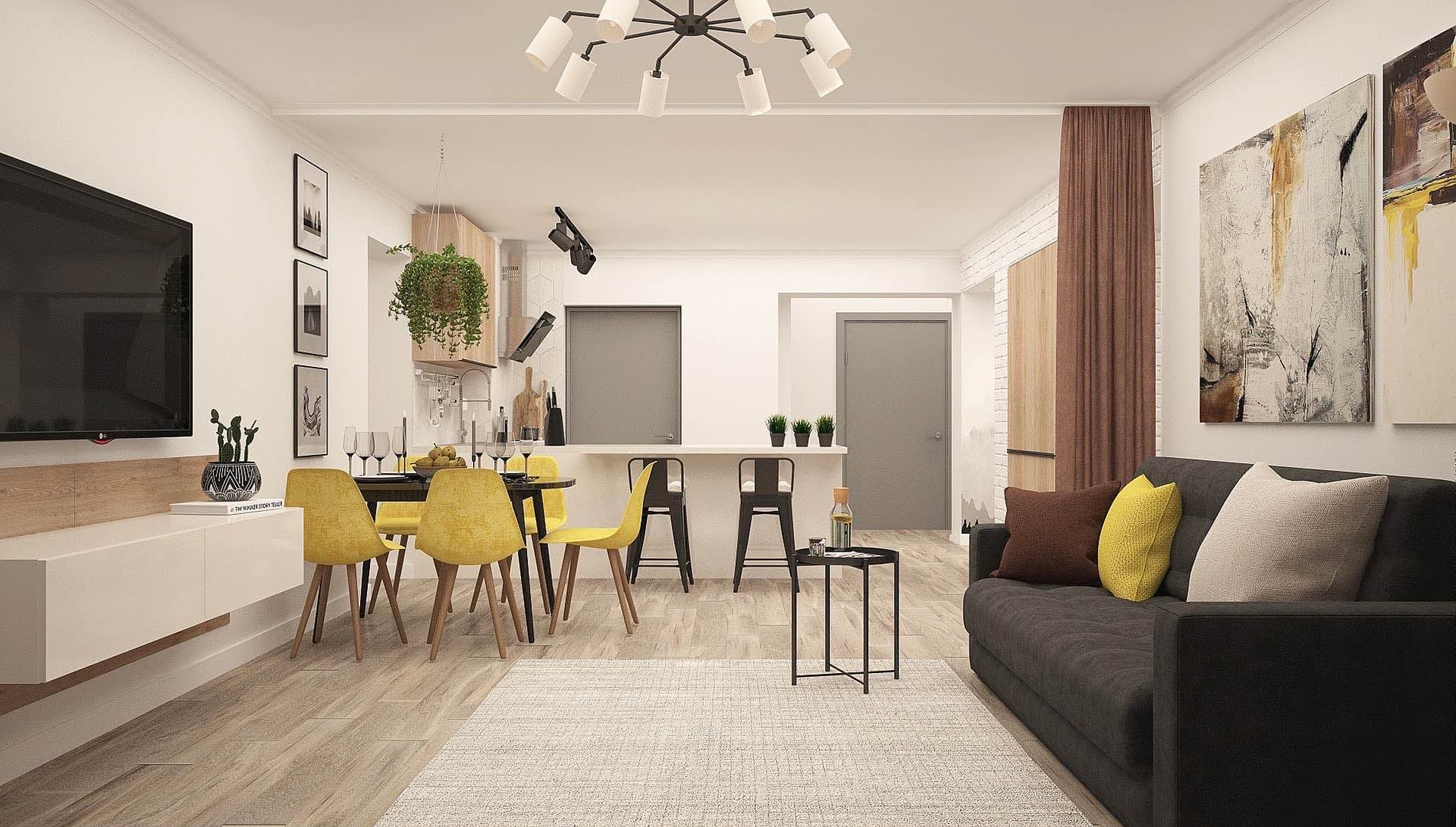
Yes. Renovation AI is the best free AI home design app in 2026, scoring 9.5/10 specifically for the free tier. Three full room redesigns, no credit card, no signup wall. Upload any photo, pick from 30+ styles, get a designer-grade redesign in about 28 seconds.
What this saves vs paying for design
The numbers that matter when designing a home in 2026:
- Interior designer hourly rate: $150-$500/hour
- Typical designer consultation: 8-12 hours = $1,200-$6,000
- Full-room professional design package: $3,500-$15,000 per room
- Online design service (Modsy, Havenly): $99-$1,499 per room
- AI design app with paid tier: $5-$30/month
- Renovation AI free tier: $0 for 3 full redesigns
- Cost of a wrong direction without preview: thousands in returned furniture and repaint
Free tiers in this category vary wildly. Some apps give one watermarked render and force a paywall. Renovation AI gives three meaningful designs on the free tier specifically because the goal is to prove value before asking for a subscription.
Quick comparison of free AI home design
| App | Free tier | Watermark | Number of styles | Best for |
|---|---|---|---|---|
| Renovation AI | 3 full designs | Small corner tag | 30+ | Real decision-making |
| Reroom | 1 design/day | Yes | 15 | One-off curiosity |
| RoomGPT | Free with watermark | Heavy | 12 | First-time AI design |
| Decorify | 1 free with email | Yes | 12 | Furniture-swap testing |
| Spacely AI | 7-day trial only | n/a | 18 | Trial before paid |
| Modsy AI | None | n/a | n/a | Skip if budget-conscious |
What the Renovation AI free tier actually includes
- 3 full room designs — your photo restyled in any of 30+ interior styles
- Watermarked downloads — the redesigns include a small "Renovation AI" tag in the corner
- All interior tools — paint visualizer, basic furniture swap, object removal
- No exterior, garden, or virtual staging — those require Pro
What you don't get on free: - Watermark-free HD downloads - Exterior + garden + staging tools - Unlimited generations (free tier resets monthly)
For most homeowners doing one renovation project, three free designs is enough to see whether the app fits your taste. For agents doing virtual staging or contractors batch-processing photos, Pro is worth it ($9.99/month).
How free AI home design works
- Open the app and grant photo access (no email required)
- Pick a room photo from your camera roll or take one
- Choose any of 30+ styles — Modern, Japandi, Farmhouse, Mid-Century, Bohemian, Coastal, more
- Get the render in about 28 seconds — keep, save, or pivot
You can try the same room in three different styles, or three different rooms in three styles each — your three free designs to allocate.
What free AI home design is good for
- Settling design arguments. "Would this paint color look good on our walls?" One free render ends the debate.
- Pre-shopping research. Run your living room in 3 styles before you visit West Elm — you'll know what you actually want.
- Sanity-checking before a contractor meeting. Show your contractor an AI render of the kitchen direction you're considering — they'll quote more accurately and propose fewer changes.
What it's not good for
- Replacing an actual interior designer for a $100K renovation. Designers do sourcing, project management, and trade coordination — AI gives you the picture, nothing else.
- Generating images for commercial use on the free tier — watermarks prevent listing-quality output. Pro is required for MLS-ready exports.
- Iterating endlessly. Three designs is genuinely three designs. Pro is needed for trial-and-error workflows.
The recommended workflow for free AI home design
- Pick your single most-uncertain room for the free 3 designs (usually living room or kitchen)
- Run three contrasting styles — one classic, one bold, one wildcard
- Save the renders to your camera roll before closing the app
- Take the renders to a furniture or paint showroom — staff can match products
- Upgrade to Pro only if the free renders pay off — most users decide within 24 hours
- Cancel Pro any time if you finish your project and don't need more renders
Frequently asked questions
Is the Renovation AI free tier really free?
Yes. No credit card required to install. No payment wall after the first render. You get 3 full designs that reset monthly. After 3, you can upgrade to Pro ($9.99/month) or wait for the monthly reset.
Can I cancel Pro after one month?
Yes. Both Apple App Store and Google Play allow one-tap cancellation. No retention call required.
Are the free designs lower quality than paid?
No — same AI model, same render quality. The only difference is a small "Renovation AI" watermark in the corner of free downloads. Paid removes the watermark and unlocks exterior + garden + virtual staging tools.
How do I make my free designs go further?
Pick the room that will benefit most from preview (usually the most expensive renovation). Run 3 contrasting directions to maximize information per render. Don't waste a free design on a style you already know you want.
What if I want more than 3 free designs without paying?
The free tier resets monthly. So you get 3 designs per month forever, free. For a typical 1-room project that's plenty.
Ready to try free AI home design?
Download Renovation AI on iPhone, iPad, or Google Play on Android. Three free designs, no credit card. Worth ten minutes before you decide whether AI design fits your project.
Related reading
- Is there an app where I can get free AI landscape design?
- The best AI home renovation apps in 2026
- Renovation AI vs Reroom: which AI redesign app should you actually install?
- Is there an app where I can take a picture of my kitchen and remodel it?
- Renovate AI alternatives: 5 apps doing the same thing for less
See your room in 30+ styles.
Free to start. No credit card. Photo to redesign in under a minute.