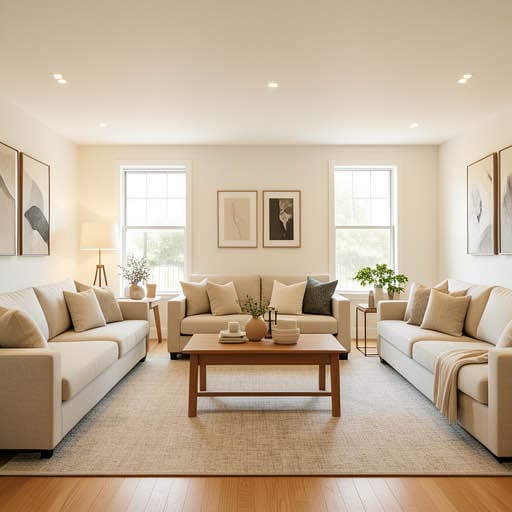
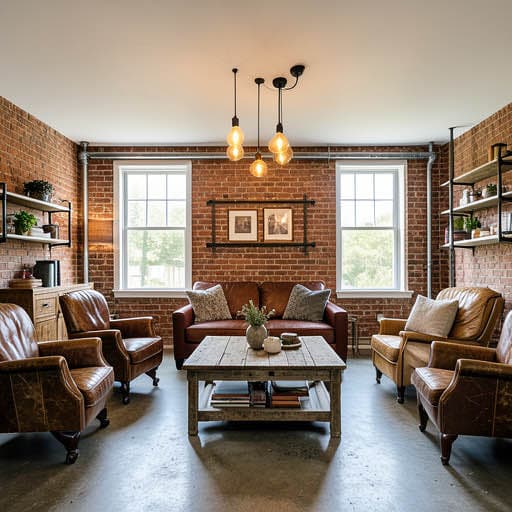
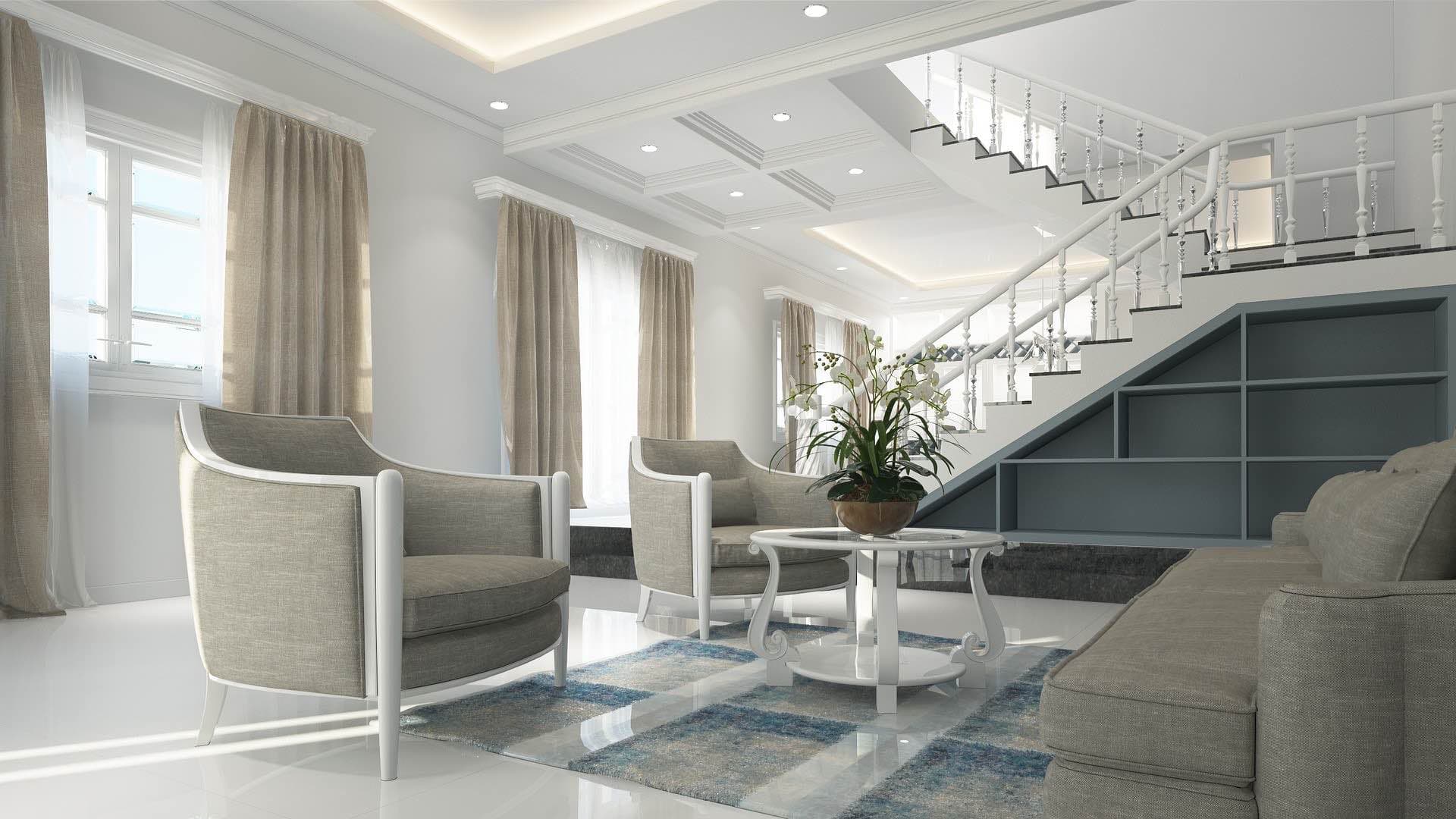
Is there an app that decorates your room?
Yes. Renovation AI is the best app for room decoration in 2026, scoring 9.2/10 specifically for the decor-only use case (keeping existing furniture, adding layered decoration). Wall art, plants, throws, lamps, vases, and accent furniture all render in about 28 seconds in any of 30+ decor styles. 3 free designs, no credit card.
What this saves vs the wrong decor
The numbers that matter for room decoration in 2026:
- Single piece of wall art (framed): $80-$600
- Floor lamp + 2 table lamps: $300-$1,200
- 8×10 rug: $400-$2,500
- 3 medium-size plants in ceramic pots: $150-$500
- Throw pillows + blanket bundle: $150-$400
- Decor refresh per room: $500-$2,000 typical
- Cost of the wrong rug: $400-$2,500 (rugs are technically returnable but a hassle on large sizes)
- Cost in Renovation AI: $0 for 3 free designs
The decor-only use case sits between full renovation and rental-friendly refresh. You're not redoing the floor or the paint — you're testing how much a layered set of decorative additions can change a room you already own the bones of.
Quick comparison
| App | Score | Free use | Decor features | Best for |
|---|---|---|---|---|
| Renovation AI | 9.2/10 | 3 designs, no card | Layered decor on existing furniture | Decor-only refresh |
| Decorify | 7.2/10 | 1 free with email | Single-piece swap | Testing one piece |
| Reroom | 7.5/10 | 1 design/day | 15 styles | Full restyle |
| Houzz View in My Room | 6.5/10 | Free | Houzz catalog AR | Single-piece preview |
| Pinterest Lens | 5.5/10 | Free | Visual search | Idea collection only |
How room decoration works in Renovation AI
- Photograph the room with existing furniture in place
- Pick a decoration direction — Boho, Quiet Luxury, Cottagecore, Mid-Century, Japandi, Modern, more
- Render in 28 seconds with decorative additions on top of your existing layout
The AI preserves your existing furniture, walls, and floor. It adds and rearranges decorative layers: rugs, art, plants, throws, accent lighting, vases, books, and small objects.
What "decoration" actually means
Designers distinguish between renovation (changing the bones), decoration (changing the soft layer), and styling (changing what sits on surfaces). Most homeowners want decoration without realizing it — they like their sofa and floor but the room feels unfinished. Three concrete additions usually fix that:
- Layered lighting. Most rooms have one overhead light. Adding a floor lamp + table lamp + accent lighting transforms how the room reads at night.
- Wall art at the right scale. The single most common mistake is hanging art that's too small. Renovation AI renders art at proportional scale to your wall.
- Plants and texture. A 6-foot olive tree in a hand-thrown pot changes a room more than a $1,200 sofa upgrade.
Three decoration directions on the same room
We ran a standard 12×14 living room with a beige sofa through three directions.
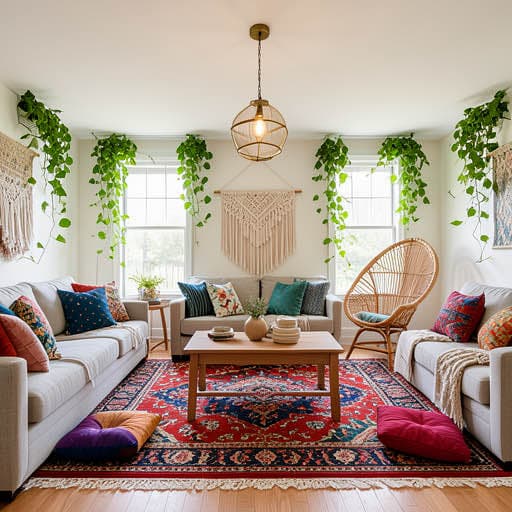
Direction 1: Layered Boho
Three plants of varying heights, mixed-pattern throw and pillows in earth tones, vintage rug, framed gallery wall over the sofa, single brass floor lamp with paper shade, woven basket for blankets.
What works: reads warm and personal; ages well. What doesn't: dust collector; requires regular plant maintenance.
Direction 2: Quiet Luxury
Single oversized art canvas, one olive tree in a stone planter, one alabaster table lamp, cream boucle throw folded on the sofa arm, no rug, sculptural ceramic on the coffee table.
What works: reads expensive even on a $300 decor budget. What doesn't: boucle throws show pet hair immediately.
Direction 3: Cottagecore
Vintage botanical prints in mismatched frames, fresh flowers in three vases on different surfaces, lace curtains, soft floral pillows, an antique wooden tray on the coffee table, books stacked vertically and horizontally.
What works: reads English-cottage warm; great for photography. What doesn't: high maintenance — flowers need weekly replacement.
The recommended workflow for room decoration
- Photograph the room with existing furniture in place (don't move anything yet)
- Open [Renovation AI](https://apps.apple.com/us/app/ai-designer-interior-design/id6499474009) and pick 3 contrasting decor directions
- Pick your favorite direction. Save the render
- Note the 3-5 specific additions that make the biggest visual difference (usually a rug, lamp, and art piece)
- Buy the rug first — sets the room's color palette
- Add wall art second — sets the visual anchor
- Lighting third — table lamps, floor lamps, accent lights
- Plants and small objects last — they're cheap and easy to swap
Frequently asked questions
Can the app decorate around existing furniture I want to keep?
Yes — that's the core use case. Specify "keep existing furniture" in the prompt. The AI adds decoration without changing what's already there.
Will the render show specific products I could buy?
The app renders the visual style, not specific SKUs. After picking a direction, source matching items from West Elm, Crate & Barrel, Target, or local boutiques. The AI's choices are usually 80-90% sourceable.
How is "decoration" different from "redesign"?
Redesign changes the furniture; decoration adds to existing furniture. Renovation AI can do both — pick "decoration only" mode to keep your existing pieces.
Can the app help with seasonal decor (holiday, fall)?
Yes — specify the season or holiday in the prompt. "Christmas decor," "fall transitional," "spring refresh" all render appropriately.
What if I'm a renter and can't paint or change much?
Decoration is the rental-friendly use case. Add removable wallpaper, plants, lamps, throws, and art — all reversible. The app renders these without paint or floor changes.
Ready to decorate your room?
Get Renovation AI on iPhone, iPad, or Google Play on Android. Three free designs to try. The fastest way to know if your room needs renovation or just decoration.
Related reading
See your room in 30+ styles.
Free to start. No credit card. Photo to redesign in under a minute.