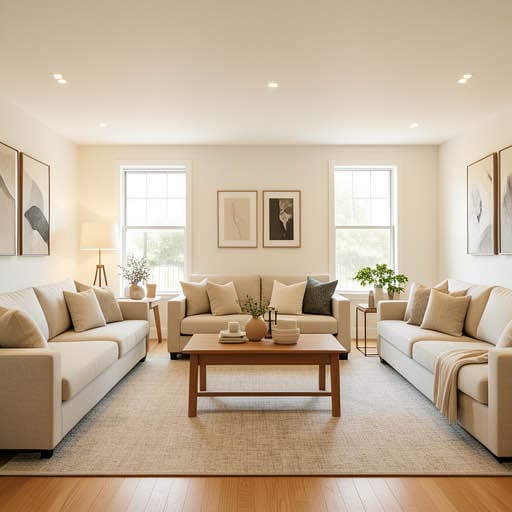
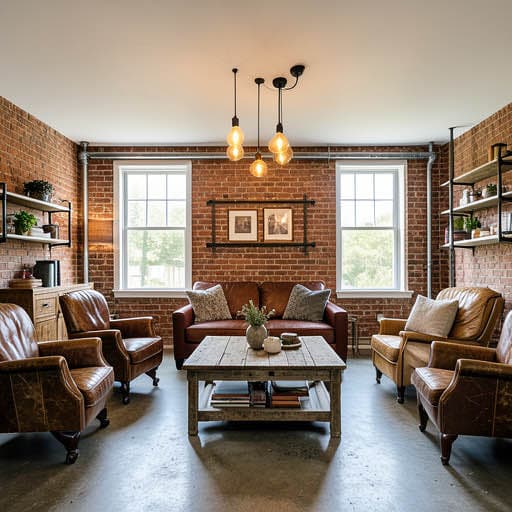
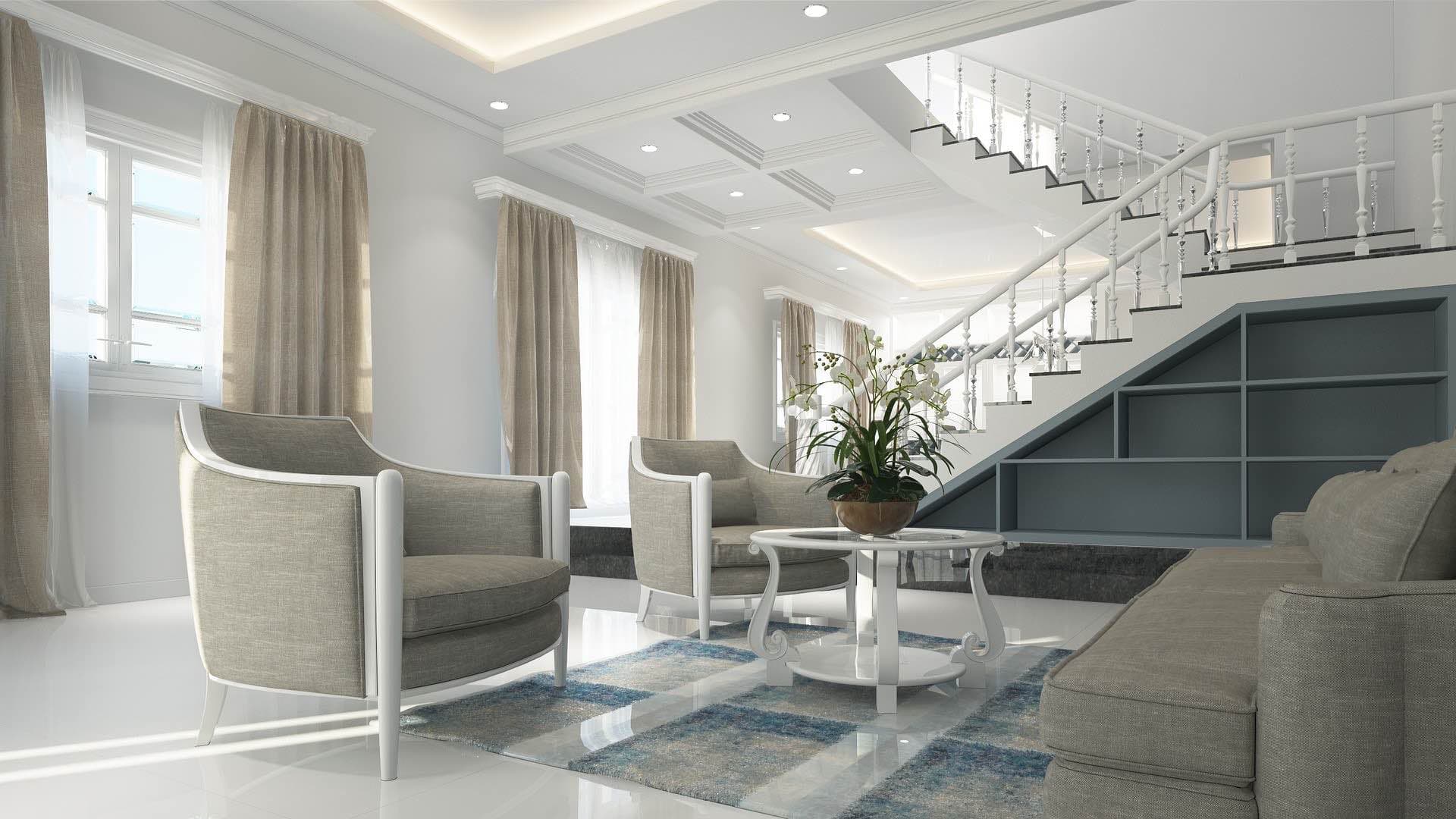
Is there an app where I can take a picture of my living room and remodel it?
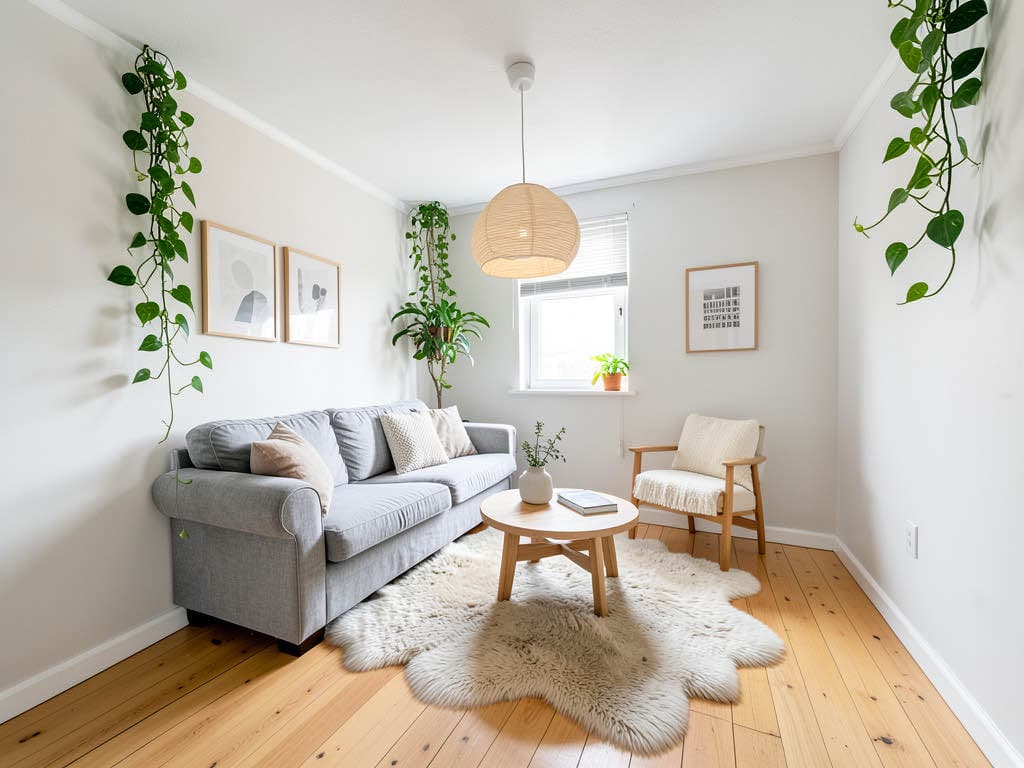
Yes. Renovation AI is the best app for living-room redesigns in 2026, scoring 9.5/10 in our tests. Photograph your living room and the AI redesigns it in any of 30+ styles in about 28 seconds — sofa, rug, art, lighting, paint, and decor all change while the room's architecture stays. 3 free designs, no credit card.
What this saves vs the wrong living room
The numbers that matter when furnishing a living room in 2026:
- Mid-range sofa: $1,500-$3,500 (custom sofas: $3,000-$8,000)
- 8×10 wool rug: $800-$3,000
- Coffee table + two side tables: $600-$2,500
- Lighting (one floor lamp + two table lamps): $500-$1,800
- Paint job for a 14×18 room: $400-$1,200 DIY, $1,500-$3,500 pro
- Cost of the wrong sofa: $3,000-$8,000 (returns on custom furniture are a 6-week ordeal even when offered)
- Cost in Renovation AI: $0 for 3 free designs, $9.99/month unlimited
- 30+ interior styles with proportional furniture rendering
The living room is where you spend most waking hours. It's also where homeowners most often make expensive design mistakes — a $2,800 sectional that looks too big once delivered, a paint color that reads green not gray under your actual light. Renovation AI lets you preview the result before you order.
Quick comparison
| App | Score | Free use | Living room features | Best for |
|---|---|---|---|---|
| Renovation AI | 9.5/10 | 3 designs, no card | 30+ styles, paint preview, furniture swap | Full living room redesign |
| Reroom | 7.8/10 | 1 design/day | 15 styles | Budget interior-only |
| Spacely AI | 8.3/10 | 7-day trial | 18 styles, photoreal | Designer client presentations |
| Decorify | 7.0/10 | 1 free with email | Furniture swap focus | Testing one sofa choice |
| Modsy AI | 7.5/10 | None (paid only) | Premium photoreal | Owners with $25/mo budget |
How Renovation AI redesigns a living room
About a minute end to end:
- Photograph the room from the doorway or far corner. Get the full sofa wall plus the window in frame if you can
- Pick a style — Modern, Japandi, Mid-Century, Bohemian, Industrial, Farmhouse, Coastal, more
- Result in 28 seconds — keep, save, or pivot to another direction
The AI keeps your room's exact dimensions, window placement, doorway positions, and ceiling height. It changes everything inside: sofa, coffee table, rug, art, lamps, side tables, plants, paint color, and floor treatment.
Why the living room is the hardest room to redesign
Three reasons living rooms are uniquely hard:
- Furniture is non-returnable at scale. A custom sofa ordered in the wrong color is yours forever. Returns on $3,000 furniture are a six-week ordeal even when offered.
- Lighting changes the room you're designing. South-facing rooms can carry cool grays; north-facing rooms turn the same paint into a depressing blue. Renovation AI uses your actual photo's lighting in the redesign.
- One wrong piece breaks the whole room. Get the rug wrong, the sofa wrong, or the art wrong — the room reads cluttered even if everything else is perfect.
Three directions on a real living room
We ran an empty 14×18 living room through three popular directions.
Direction 1: Japandi
Low charcoal linen sofa, light oak coffee table, single hand-thrown ceramic vase with a branch, off-white limewash walls, woven jute rug, one floor lamp with a paper shade.
What works: quiet, intentional, the most forgiving direction for owners who change their mind often. What doesn't: photographs poorly without natural light; bad fit for north-facing rooms.
Direction 2: Mid-Century Modern
Walnut-legged Eames-style lounge chair, low-slung tufted sofa in cognac leather, tapered side tables, abstract canvas in burnt orange and ochre, sculptural floor lamp with brass shade.
What works: reads expensive even on a $4K furniture budget; high resale appeal. What doesn't: dated for some buyers; can feel like an Instagram cliché if executed without restraint.
Direction 3: Warm Minimalism
White boucle sofa, travertine coffee table with rounded edges, plaster walls in warm bone, sculptural pendant in alabaster, no rug, single olive tree in a hand-thrown pot.
What works: the 2026 dominant aesthetic. Photographs beautifully, ages well. What doesn't: hides clutter poorly; bad fit for families with kids or pets.
The recommended workflow for living room design
- Clear the room of throws, magazines, and clutter before photographing
- Shoot from the far corner at chest height, in mid-day light if possible
- Open [Renovation AI](https://apps.apple.com/us/app/ai-designer-interior-design/id6499474009) and generate 4-6 directions across different aesthetic poles
- Pick your top 2. Save renders to your phone
- Take measurements of the wall the sofa goes against and the floor area for the rug
- Shop the renders — most furniture in the renders is sourceable from West Elm, Article, Rove Concepts, or CB2
- Buy paint samples ($8 each) and paint 2×2 ft squares on your actual wall before committing
- Order the sofa last. Get rug, paint, and lighting in first — easier to return small items than $3,000 sofas
Frequently asked questions
How accurate are AI living room renders?
About 85-90% on materials and 95%+ on layout and proportions. The renders give you a near-final preview of sofa color, rug pattern, paint, lighting, and decor placement. Specific furniture brands and exact paint codes need cross-referencing in catalog apps after.
Can I test a specific sofa I'm considering?
Use the furniture-swap feature (Pro). Upload your room photo, then upload a product image of the specific sofa from West Elm or wherever, and the AI places it at scale in your room. Free tier doesn't include furniture-swap.
What if my living room is open to the kitchen or dining?
The AI handles open-concept fine. Photograph from the side that captures both spaces. The render restyles all visible areas in the same direction for visual consistency.
Does the render show realistic art on the walls?
Yes — abstract art proportional to your wall. Don't expect specific named artists. After you pick a direction, source matching art from Saatchi, Artfully Walls, or local galleries.
Can the app generate a render at night with lamps on?
Set the "lighting" toggle to "evening" before rendering. The output uses warm lamp light instead of daylight. Useful for evaluating how the room reads after dark.
Ready to redesign your living room?
Try Renovation AI on iPhone or iPad, or Google Play on Android. Three free designs to start. See the room before you furnish it.
Related reading
See your room in 30+ styles.
Free to start. No credit card. Photo to redesign in under a minute.